
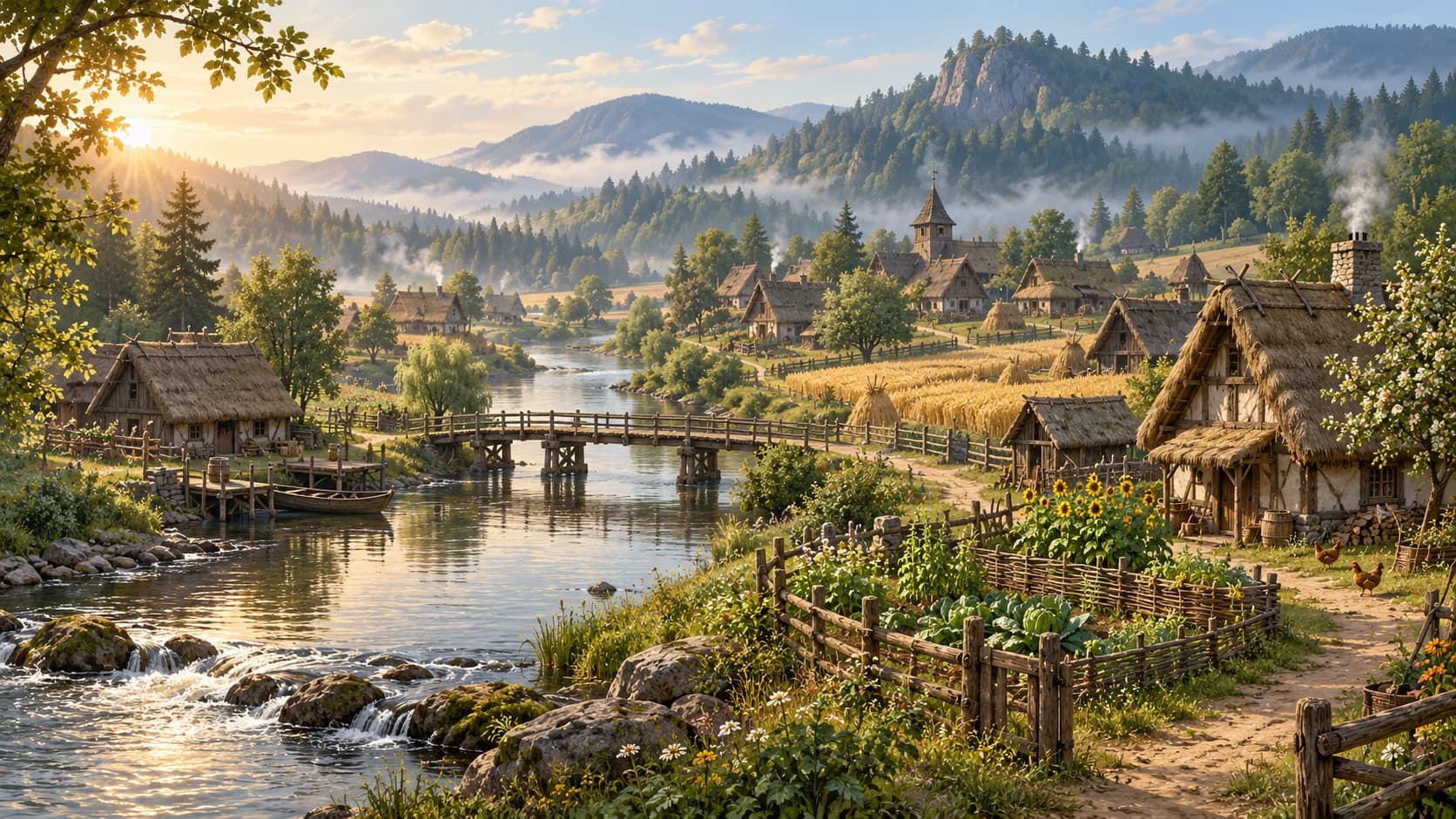
Map, platform and update differences are noted where they affect the steps.
Choose the Valley for a single-player Medieval Dynasty campaign, or the Oxbow if you want solo play with the option of online co-op. These are separate maps with separate stories, rather than regions you can walk between during one campaign. If joining friends may matter later, start by checking the Oxbow option on a supported version of the game.
Compare the Valley and the Oxbow
The most useful difference for a new player is how each map supports playing alone or together. Decide that before spending time comparing scenery or searching for a first village location. The following comparison summarizes the reviewed official information without assigning an invented score to either map.
| Question | The Valley | The Oxbow |
|---|---|---|
| Can I play alone? | Yes | Yes |
| Can I use online co-op? | No | Yes, on supported versions |
| What is the co-op player limit? | Not applicable | Four players total, including the host |
| Can I walk into the other map? | No | No |
| Is this the same campaign zone? | Separate Valley story and map | Separate Oxbow story and map |
| Can a solo save become an online session? | Valley remains single-player | An Oxbow solo save can be opened online |
Choose the Valley for a private campaign
The Valley is the straightforward choice when you want a single-player campaign and do not need to invite other players. Its solo scope is a meaningful decision, rather than a temporary setting that makes it an Oxbow session later. Choose it because that campaign suits your plans, with the understanding that co-op belongs to the other map.
A private campaign lets you set your own schedule for building, gathering and seasonal preparation. Those are personal planning considerations, not evidence that the Valley is universally easier or better for beginners. Our beginner guide covers the first-village decisions you can make after selecting a campaign.
Choose the Oxbow for solo play and co-op
The Oxbow supports playing alone as well as online co-op on supported versions. You do not need a full group ready before beginning an Oxbow campaign. This makes it a practical choice when you enjoy solo settlement building but want the possibility of inviting friends to that save later.
Treat the Oxbow's multiplayer option as flexibility, rather than a requirement to divide every job between several people. You can begin by learning resource gathering and planning a manageable village alone. Once the map decision is settled, our Oxbow building-location guide provides criteria and qualified community suggestions for scouting a home site.
Understand why changing maps means another campaign
The developer FAQ describes the Valley and Oxbow as separate playable zones that cannot be travelled between. A road, shoreline or distant landscape should therefore not be interpreted as a route from one campaign map into the other. Select the campaign you want at the appropriate game menu instead of searching the landscape for a transfer point.
Plan your saves with that separation in mind before committing to a long settlement project. Opening a different map does not mean continuing the same running village by crossing a border. If you want to experience both stories, treat them as distinct campaigns and keep track of which save belongs to each.
Start alone before opening an Oxbow session
The official FAQ confirms that an Oxbow solo save can be opened online. That option is useful when friends join later or when you first want to learn the menus at your own pace. Confirm that the save is an Oxbow campaign before assuming its online option applies to a Valley game.
Before inviting people, agree on the next shared task and explain what has already been built. A brief overview of current supplies and seasonal plans can help new arrivals contribute without duplicating a gathering trip. This is organizational advice for a shared settlement, rather than an additional game requirement for opening the session.
Count the host within the four-player limit
Oxbow co-op supports four players in total, including the host. The limit should not be read as a host plus four additional guests. Check the group's size before arranging a session so that everyone understands how many places the shared campaign provides.
The host saves the game, and the session ends when the host leaves. Choose a host whose availability fits the group, particularly when several people expect to return to the same village. Our multiplayer and crossplay guide explains the hosting scope and supported online play in more detail.
Check your platform before following co-op advice
The reviewed modern co-op scope covers supported PC versions, PlayStation 5 and Xbox Series X|S. The publisher's console announcement confirms the current-generation launch, while the developer FAQ provides the broader crossplay details. These statements should not be extended to PlayStation 4 or Xbox One simply because the game's title appears on those systems.
Check your own edition and current menus when comparing a friend's available maps with yours. A platform name, game version and campaign choice provide a more useful starting point than assuming every installation presents identical options. This guide does not treat a Steam patch number as proof that every console uses that same version number.
Use the map to answer a specific travel question
After choosing a campaign, decide what you need from its map before setting out. Scouting a village site, finding a merchant and planning a mining trip are different tasks with different information requirements. Start with the relevant in-game labels and the resource you need, rather than expecting every online image to answer all three questions.
The reviewed sources do not establish exact playable areas or a complete, verified database of resource coordinates. This is a map-selection and identification guide, so it does not present an interactive map or claim to mark every cave and gathering point. For an ore-related trip, our mining guide explains the distinction between cave exploration, a built Mine and the Oxbow exception at Skauki.
Keep the Backwood separate from current map choices
The publisher's Full Stock announcement describes the Backwood as planned for 2027. At this page's October 20, 2026 review, it therefore belongs to future-content planning rather than the current Valley-versus-Oxbow selection. Do not mistake promotional discussion of that project for instructions to select a third playable map now.
Use a current release announcement to reassess that distinction when the planned content arrives. Future content can change what a new campaign offers, but an announcement alone does not make it available in today's menu. The practical choice covered here remains the Valley for solo play or the Oxbow for solo and supported online co-op.
Confirm that a guide covers the original game
Medieval Dynasty New Settlement is a separate VR game made by another company, as the pinned resource hub explains. Its maps and instructions should not be mixed into guidance for the original Render Cube game covered here. Check the developer, platform and exact title whenever a search result seems to describe a different map or feature set.
For a final decision, ask whether you want a private Valley campaign or the Oxbow's option to play with friends. Then check the correct map, edition and save before starting a settlement you intend to keep. This source-based guide was reviewed on October 20, 2026; follow the current game menus whenever a later release changes the available choices.